By 913BOOM
You set up your campaign, typed in Kansas City, maybe drew a tidy radius around your shop, and assumed that was that. Then the search terms report starts filling up with clicks from Dallas, Denver, and towns three states away, and your budget is gone by early afternoon. If that sounds familiar, the problem is almost never your keywords. It is a single Google Ads location targeting setting that Google switches on by default, and most business owners never see it. Here is exactly what it does and how to fix it.
You targeted the right city. Google shows the wrong ones anyway.
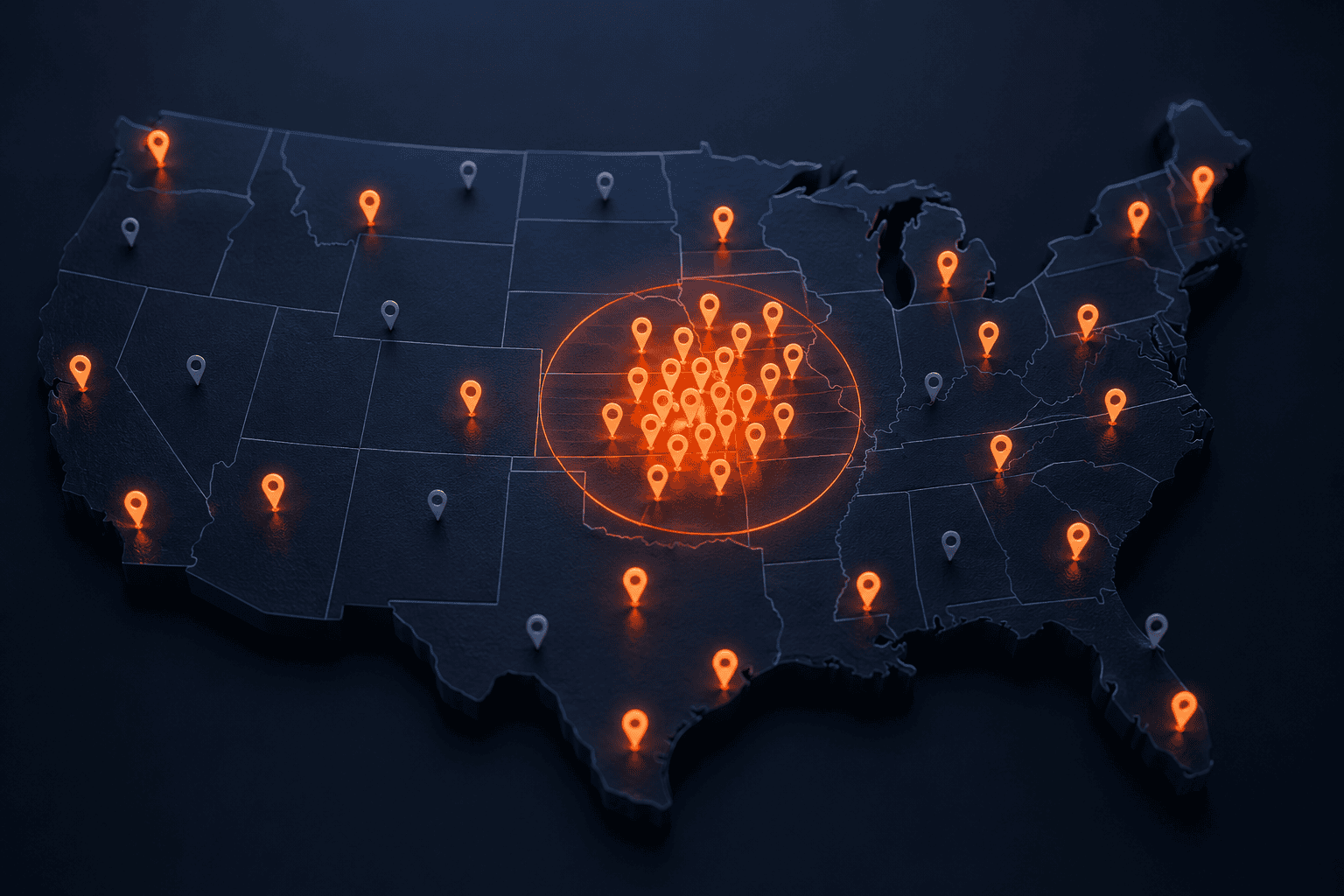
The most common misunderstanding we run into is the belief that “targeting Kansas City” means only people in Kansas City will see your ad. It does not. When you add a location to a campaign, Google gives you a choice about what “in this location” actually means, and the choice it makes for you is the broadest one available. Out of the box, your ad can show to someone sitting in another state who simply searched for something tied to your city, or who has shown interest in it through past browsing. They are nowhere near you, they cannot walk into your store or hire your crew tomorrow, and you are paying for their click anyway.
This is why the “wrong cities” problem is so confusing. You did target the right city. The leak is not in the location you chose. It is in the definition of that location that Google quietly applied on your behalf.
The default that drains local budgets: presence or interest
Google Ads offers two ways to match people to your targeted locations, and it states plainly which one you get by default. The default, which Google itself calls the “default and recommended option,” is worded like this on Google’s own help pages: “Reach people in, regularly in, or who’ve shown interest in your targeted locations (Presence or Interest).” The alternative is: “Reach people in or regularly in your targeted locations (Presence).”
Read those two options side by side and the difference jumps out. The default includes a third group nobody asked for: people who have shown interest in your area. Google decides who those people are from what they search and their past behavior, which means a user in Florida googling “best barbecue in Kansas City” while planning a trip can trigger your ad. For a national brand or a travel business, that reach is a feature. For a local plumber, dentist, or contractor who can only serve customers inside one metro, it is a slow, invisible budget leak. Every one of those out-of-area clicks costs the same as a real local one and converts far less often.
Where the setting hides, and exactly what to change
The reason this trips up so many advertisers is that the control is not on the main screen. It sits one layer down, collapsed by default. Here is the path in the current Google Ads interface.
Open your campaign and go to Settings, then open the Locations section. Below where your targeted locations are listed, click to expand Location options. Under the Target heading you will see the two radio buttons described above, and it will be set to the presence or interest option. For a local service business, switch it to “Reach people in or regularly in your targeted locations (Presence).” That one change tells Google to serve your ads only to people who are actually in or regularly around your service area, not to distant searchers who merely typed your city’s name.
While you are in there, check the exclusion setting too. Google applies location exclusions on a presence basis, so anyone you exclude is filtered by where they actually are. The fix takes about thirty seconds per campaign, and it applies going forward. It will not retroactively refund the earlier spend, which is all the more reason to change it today.
When leaving interest on actually makes sense
We are not telling everyone to flip this switch blindly, because Google labels the broad option “recommended” for a reason. It genuinely helps some advertisers. If you run a hotel, a tourist attraction, a moving company, an airport shuttle, or any business whose customers research and buy from somewhere else before they arrive, presence or interest can be exactly right. Those customers are supposed to be elsewhere when they search. The point is not that the default is broken. It is that “recommended” is a blanket setting aimed at every advertiser on the platform, and for a business that serves a fixed local area, the recommendation and your actual goal point in opposite directions. Match the setting to who can really become a customer.
What we check when we audit a local Google Ads account
When a Kansas City or Olathe business hands us an account that is “not working,” the location settings are one of the first places we look, and this default has quietly cost more than one of them real money before they ever called us. We confirm every campaign is set to presence targeting where it should be, then we read the geographic report to see where clicks and conversions are truly coming from, and we add negative locations for the places that keep leaking. It is unglamorous work, but tightening geography is often the single fastest way to stretch a small local budget. It is a core part of how we run Google Ads management for local businesses, and one piece of how 913BOOM approaches local advertising across the metro.
If your reports are full of cities you do not serve, do not assume you need new keywords or a bigger budget. Check this one setting first. More often than not, the money was never being wasted on the wrong words. It was being spent in the wrong places.
Frequently Asked Questions About Google Ads Location Targeting
Why are my Google Ads showing in cities I did not target?
Because Google’s default location option, “Presence or interest,” reaches people who are in, regularly in, or have shown interest in your targeted locations, which includes out-of-area users who searched for or browsed about your city. Your keywords are usually fine. The location setting is what shows your ad to distant searchers. Switching to “Presence” limits delivery to people actually in or regularly in your targeted area.
What is the difference between presence and presence or interest in Google Ads?
“Presence or interest” is the default and shows ads to people who are in, regularly in, or have shown interest in your targeted locations, so it can reach distant searchers. “Presence” shows ads only to people who are in or regularly in those locations. For a business that serves a fixed local area, “Presence” is almost always the right choice.
Where do I change the location targeting setting in Google Ads?
Open the campaign, go to Settings, then expand the Locations section and click Location options. Under the Target heading, choose the “Presence” option instead of the default “Presence or interest.” The setting is collapsed by default, which is why many advertisers never notice it.
Will switching to presence hurt my reach or conversions?
For a local service business, usually not, and that is the point. You are removing clicks from people who could never become customers anyway. Businesses whose customers legitimately research from elsewhere, such as hotels or moving companies, may see reach drop in a way that matters, but a plumber or dentist serving one metro rarely loses anything worth keeping.
Does a small radius around my business fix the problem?
A tight radius narrows the geography, but it does not change the presence versus interest rule inside it. Even with a small radius, the default can still serve ads to people outside it who have shown interest in the area. Set the location option to “Presence” as well, and the radius will do what you expected.
Tired of paying for clicks outside your service area? A quick account check usually turns up the exact settings quietly spending your budget in cities you cannot serve. Contact 913BOOM and we will make sure your local advertising reaches local customers.